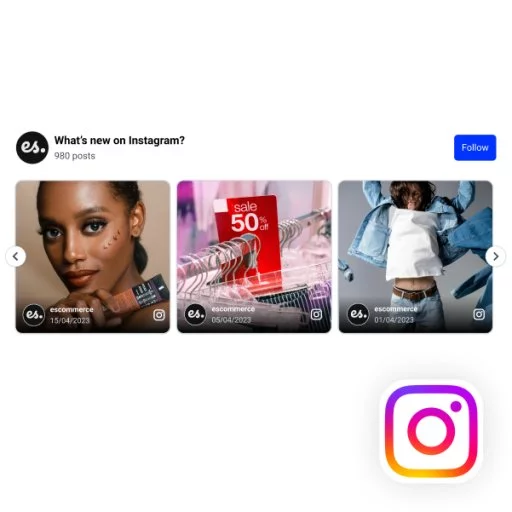
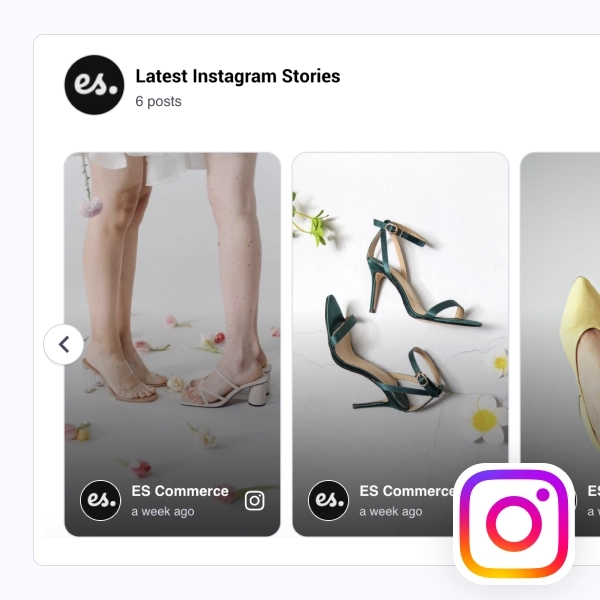
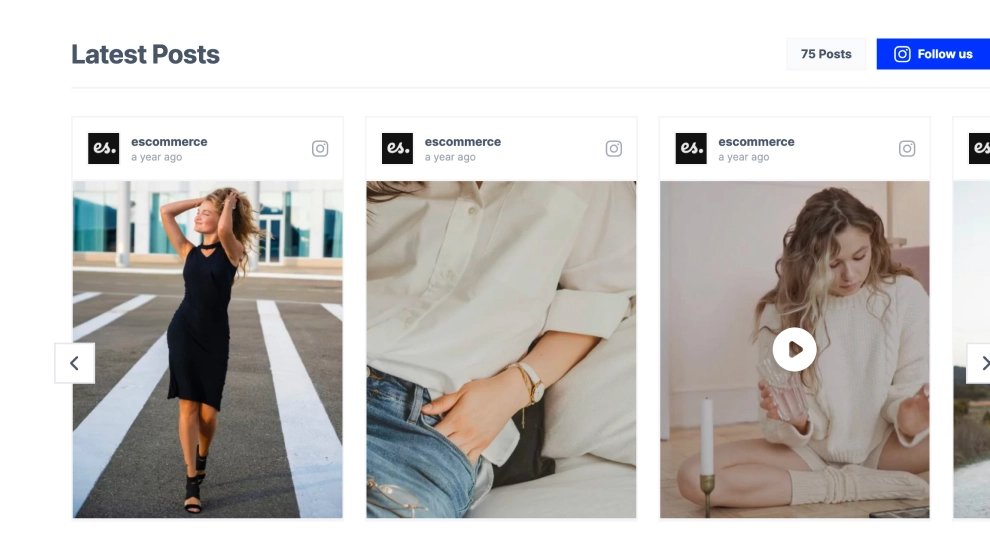
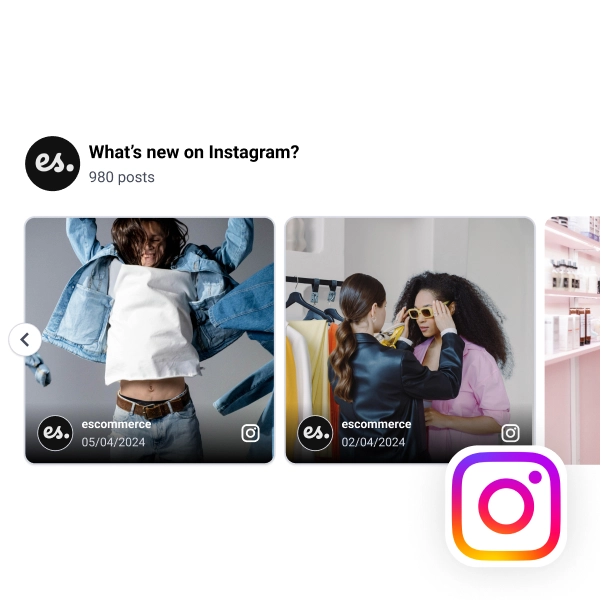
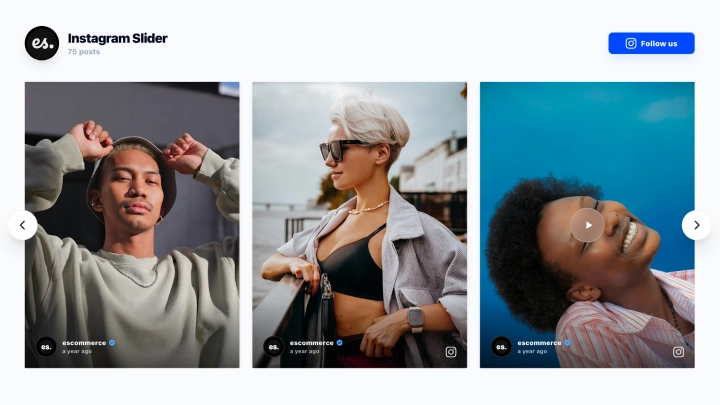
The Instagram Spotlight Gallery gives one post a little more presence while still keeping the rest of the feed within view. Instead of showing every image with the same weight, it uses a gallery layout where selected posts feel more prominent, helping your best visuals lead the section while supporting posts create context around them.
What makes it work
- Spotlight-style layout: Certain posts appear larger and more central, which helps the gallery feel curated rather than uniform.
- Visual-first browsing: Big image tiles keep the attention on the content before the caption.
- Soft feed structure: Smaller surrounding posts still stay visible, so the section feels like a real Instagram stream instead of a single hero card.
- Caption preview below the image: Visitors get enough text to understand the post without overwhelming the layout.
- Instagram source cues: Profile name, icon, and posting date keep the feed recognizable and credible.
- Mixed media support: Image posts and video-style posts can sit together naturally in the same gallery.
- Editorial presentation: The spacing and varied emphasis make the widget feel more styled than a standard social grid.
Best fit for
- Fashion and lifestyle websites
- Homepage sections built around brand visuals
- Ecommerce stores using Instagram for product inspiration
- Campaign pages that need a more curated social gallery
- Brands that want their strongest posts to lead the feed
How to embed it
- Connect your Instagram feed in EmbedSocial.
- Choose the Instagram Spotlight Gallery template.
- Select how featured posts should appear and customize the visible captions.
- Adjust the gallery layout, image sizing, and post count.
- Copy the embed code.
- Paste it into your website, landing page, or CMS and publish.
Show your Instagram content in a gallery that gives your best posts more room to stand out.