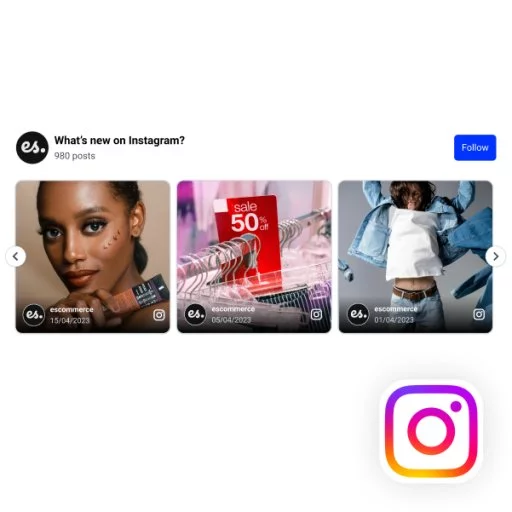
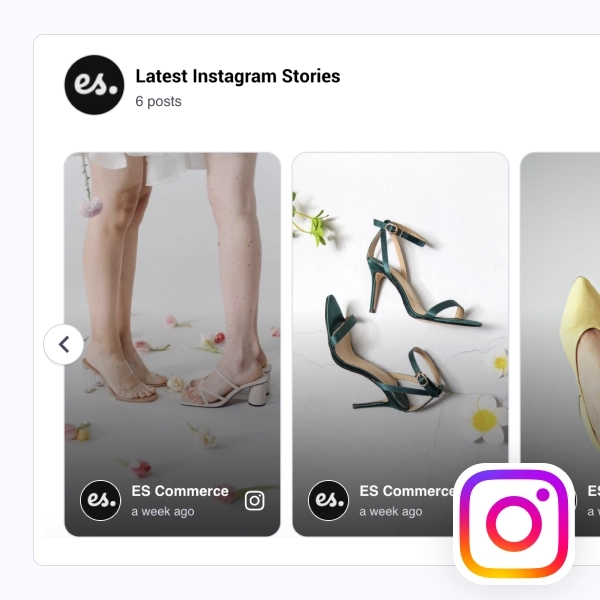
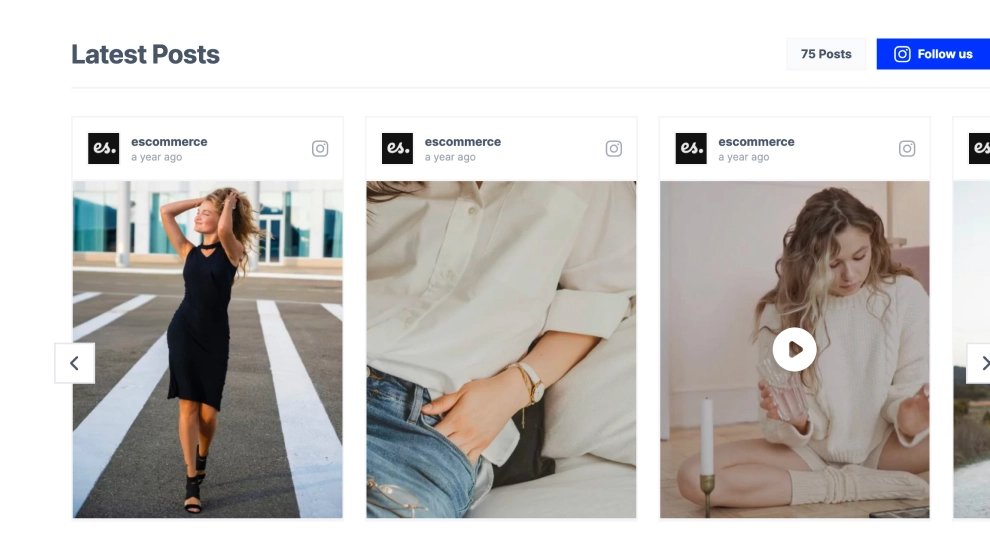
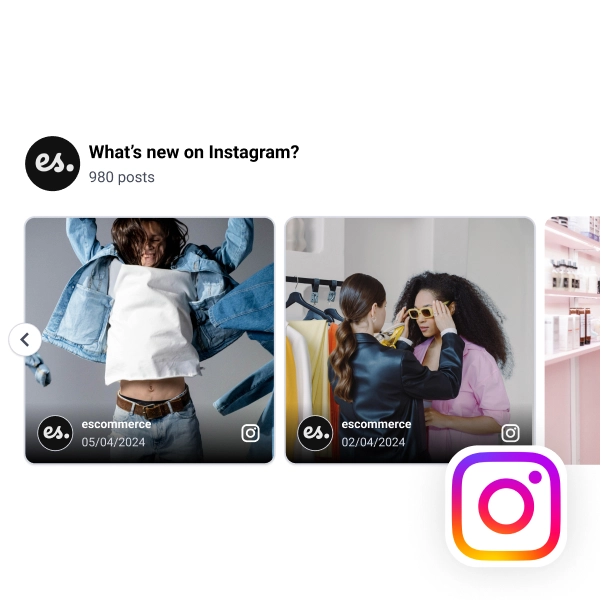
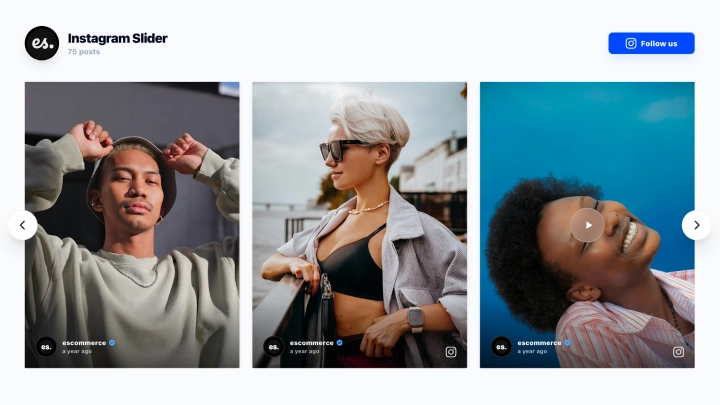
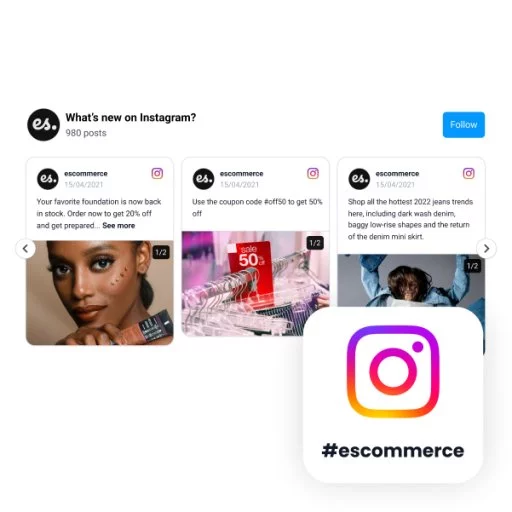
This Instagram widget gives your content a clean, gallery-like carousel that feels both visual and easy to browse. With a branded header, visible post count, follow CTA, and large image-first cards arranged in a horizontal slider, it turns your Instagram feed into a more curated website section.
What makes it work
- Clean carousel layout: Posts appear in a simple horizontal row that keeps the browsing experience light and familiar.
- Strong branded header: The title and post count help the section feel more intentional than a standard feed embed.
- Large visual cards: Generous media space helps each post stand out clearly, especially for fashion, lifestyle, and product content.
- Mixed media support: Static posts and video content can live together inside the same carousel.
- Easy navigation: Side arrow controls make it simple to move through the content without cluttering the design.
- Follow CTA: The
Followbutton gives visitors a direct next step after browsing the posts. - Curated feed feel: The layout presents Instagram content more like a visual showcase than a raw social feed.
Best fit for
- Fashion and lifestyle websites
- Ecommerce homepages
- Creator and portfolio pages
- Brand landing pages
- Businesses that want a simple but polished Instagram showcase
How to embed it
- Connect your Instagram source in EmbedSocial.
- Choose the Instagram Carousel Widget template.
- Customize the title, post count, visible content, and follow button.
- Set how many posts should appear in the carousel and how the navigation should behave.
- Copy the embed code.
- Paste it into your website, landing page, or CMS and publish.
Show your Instagram content in a carousel that feels cleaner, more curated, and easier to browse on the page.