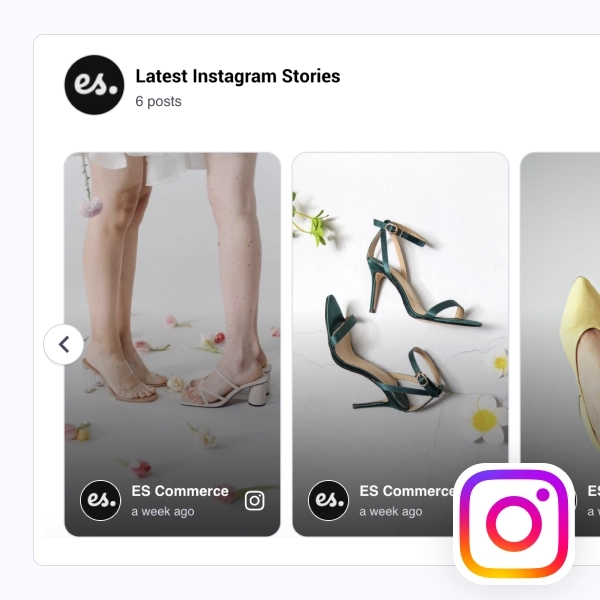
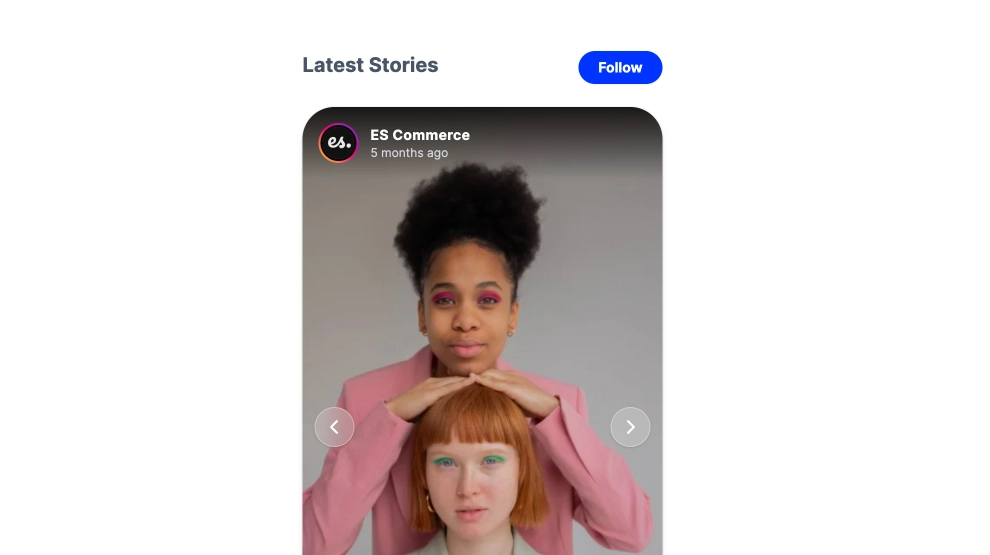
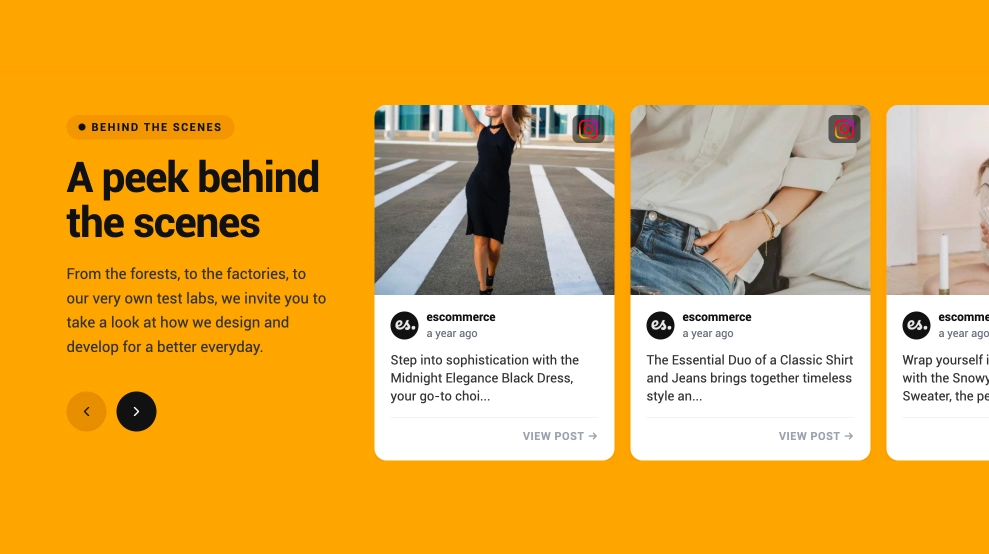
This Instagram Stories widget brings story-style content onto your website in a moving slider that feels current and easy to consume. With vertical story cards lined up in a row, profile details at the bottom, and autoplay behavior that keeps the section active on its own, it creates a more dynamic social touchpoint than a static gallery.
What makes it work
- Autoplay motion: The slider advances automatically, which helps the section feel alive without requiring constant interaction.
- Story-style vertical cards: Each card keeps the tall Instagram Stories format people already recognize.
- Multi-story row layout: Several stories appear at once, making the section easier to scan than a one-card-only slider.
- Profile and timing cues: Account name, timestamp, and Instagram icon keep the content grounded in its original source.
- Lightweight social layer: The widget adds movement and freshness without becoming a full-screen story experience.
- Visual-first browsing: The content works especially well for beauty, fashion, lifestyle, and creator-led brands.
- Familiar platform feel: Visitors can immediately recognize the content as Stories even when viewed on-site.
Best fit for
- Beauty and fashion websites
- Creator and influencer pages
- Brand homepages
- Campaign landing pages
- Businesses that want Instagram Stories content to feel more active on the page
How to embed it
- Connect your Instagram Stories source in EmbedSocial.
- Choose the Instagram Stories Autoplay Slider template.
- Customize the visible profile details, story layout, and autoplay behavior.
- Set the slider speed and how many story cards should appear in view.
- Copy the embed code.
- Paste it into your website, landing page, or CMS and publish.
Show Instagram Stories in a slider that keeps moving, keeps the page feeling fresh, and makes social content easier to notice.