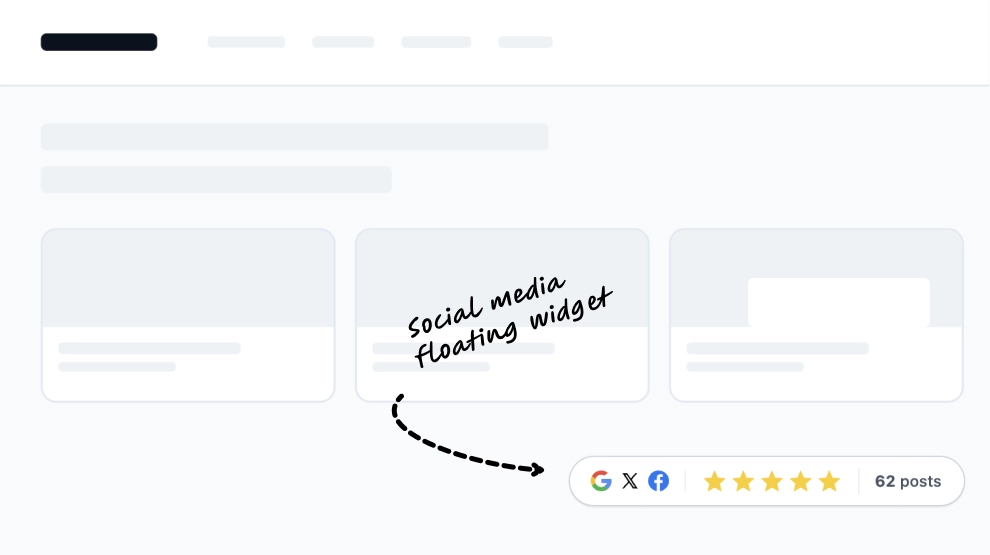
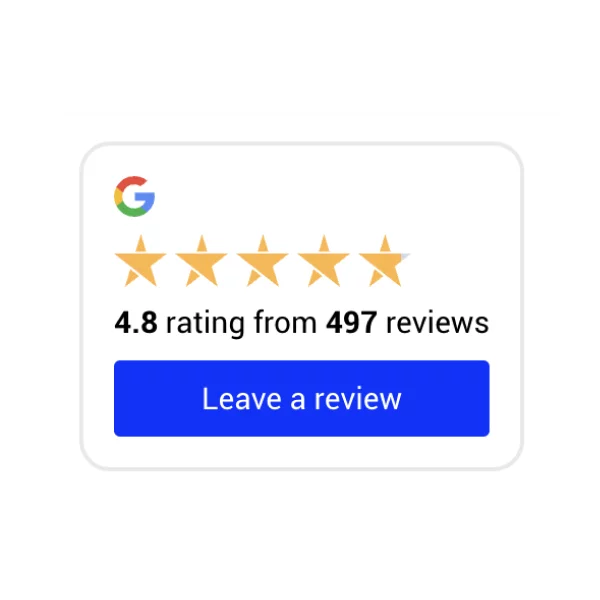
This reviews widget turns customer feedback into a slim, high-visibility banner that can sit neatly across the page without taking up much space. It combines the rating score, star row, reviewer identity, short review snippet, and a See more CTA in one horizontal strip, making it a fast and effective trust signal near the top of a page.
What makes it work
- Compact trust format: The banner delivers review proof without needing a full testimonial section.
- Instant rating cue: The score and stars make the quality signal easy to understand at a glance.
- Real reviewer detail: The avatar and reviewer name make the feedback feel more human and credible.
- Snippet-style review preview: A short excerpt gives visitors enough context without overwhelming the layout.
- Google source cue: The Google icon helps reinforce where the review comes from.
- See-more CTA: The
See moreaction gives visitors a direct path to explore additional feedback. - Easy placement: The horizontal design works well above content, near CTAs, or inside trust-focused sections.
Best fit for
- Homepage headers
- Landing pages
- Product and service pages
- Checkout-adjacent trust areas
- Any page that needs lightweight review visibility without adding a large widget
How to embed it
- Connect your review source in EmbedSocial.
- Choose the Reviews Banner template.
- Customize the visible rating, reviewer details, snippet length, and CTA.
- Place it where visitors can see it early in the browsing journey.
- Copy the embed code.
- Paste it into your website, landing page, or CMS and publish.
Add a slim review banner that puts social proof in front of visitors right when trust matters most.