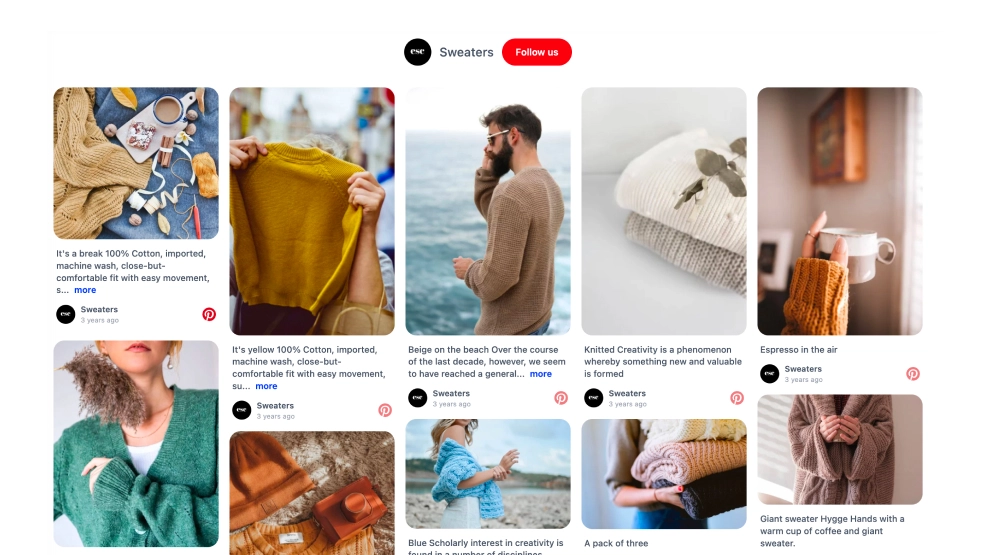
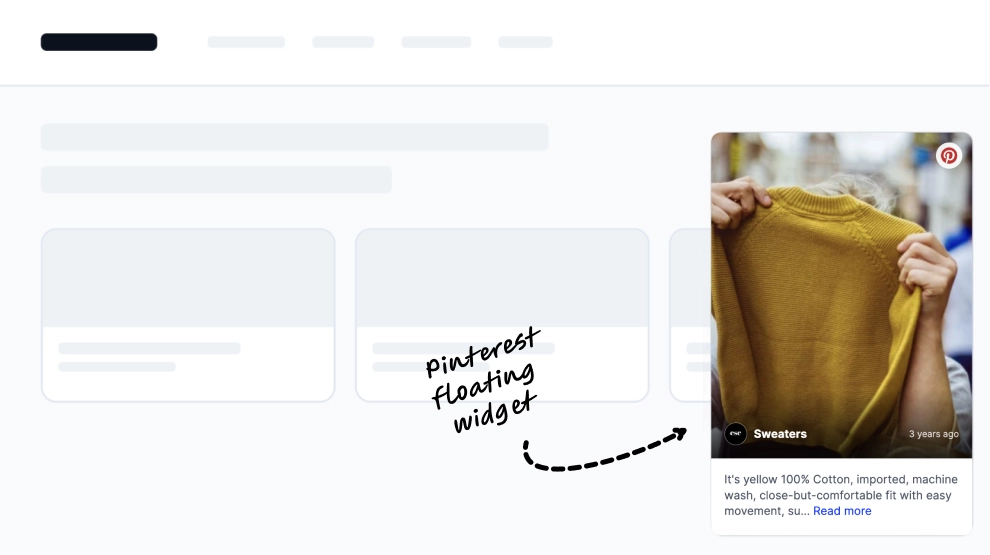
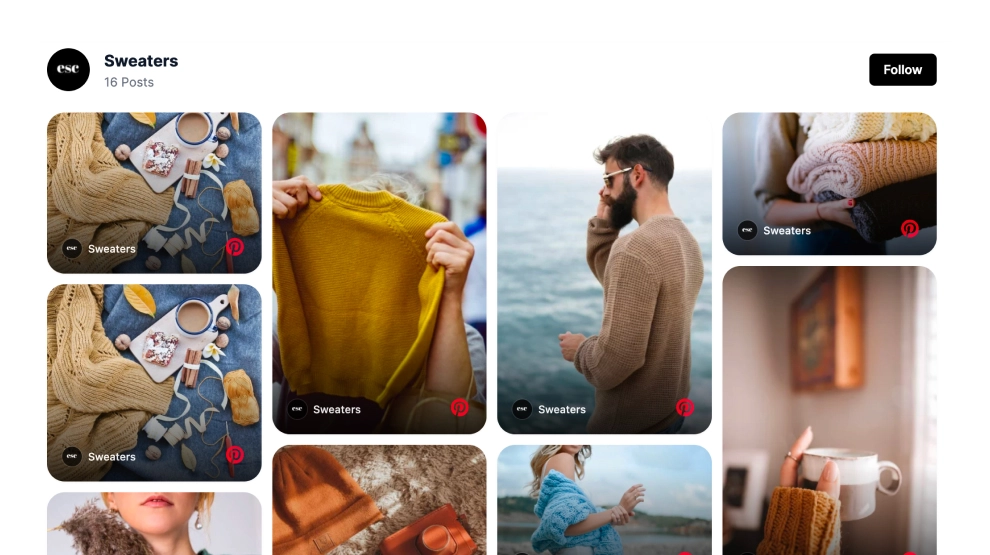
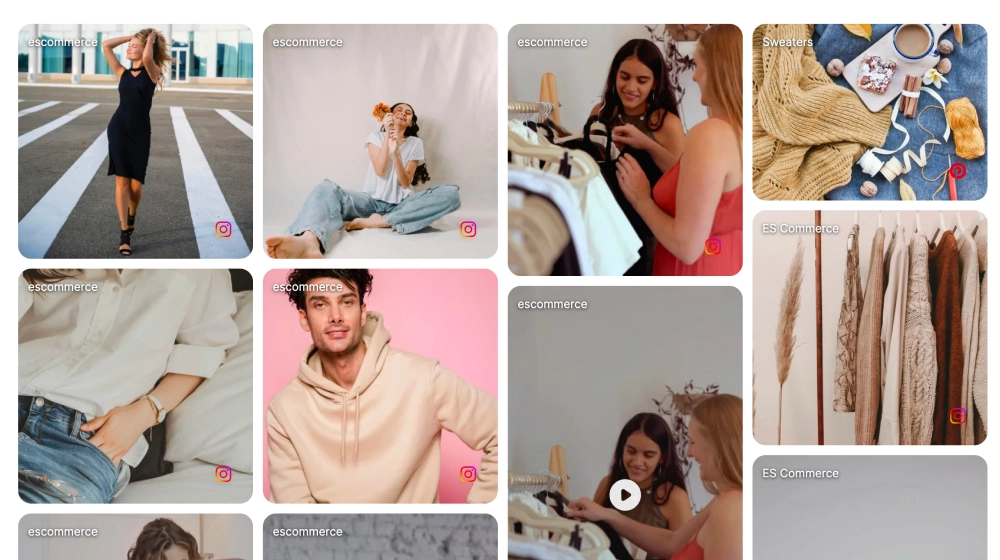
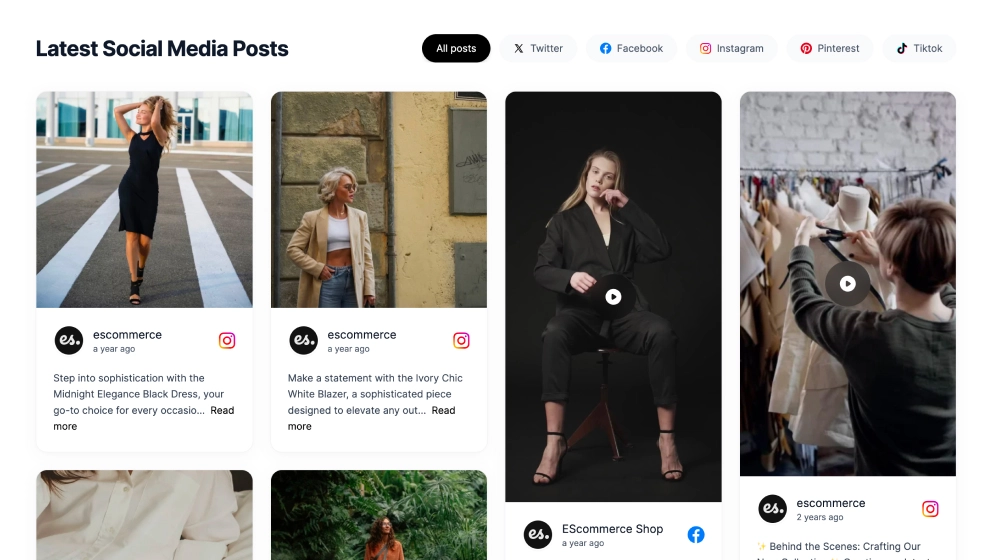
This Pinterest widget turns your pins into a more editorial collage that feels visual, warm, and easy to explore. Instead of a rigid list of pins, it uses a mixed-size board layout with large lifestyle imagery, detailed pin previews, and a simple follow CTA, giving the section the look of a curated inspiration board on your website.
What makes it work
- Collage-style board layout: The varied tile sizes help the feed feel more natural and visually rich than a standard grid.
- Pinterest-first visual mood: The imagery-driven format works especially well for decor, fashion, food, DIY, and lifestyle content.
- Mixed content emphasis: Large hero-style tiles and smaller detail cards work together to create browsing rhythm.
- Pin preview support: Some cards can show title, timestamp, and snippet text, adding context without breaking the visual flow.
- Editorial inspiration feel: The section feels closer to a curated moodboard than a social feed.
- Follow CTA: The
Followbutton gives visitors a clean next step after browsing the board. - Website-friendly presentation: The collage integrates well into content pages, homepages, and brand galleries without feeling too platform-heavy.
Best fit for
- Home decor and lifestyle brands
- Fashion and ecommerce websites
- Inspiration or lookbook pages
- DIY, craft, and recipe sites
- Businesses that want Pinterest content to feel more curated on-site
How to embed it
- Connect your Pinterest board in EmbedSocial.
- Choose the Pinterest Board Collage Widget template.
- Customize the section title, visible pin details, and follow button.
- Set how the collage should arrange across desktop and mobile layouts.
- Copy the embed code.
- Paste it into your website, landing page, or CMS and publish.
Turn your Pinterest content into a more curated collage that feels like inspiration first and social feed second.