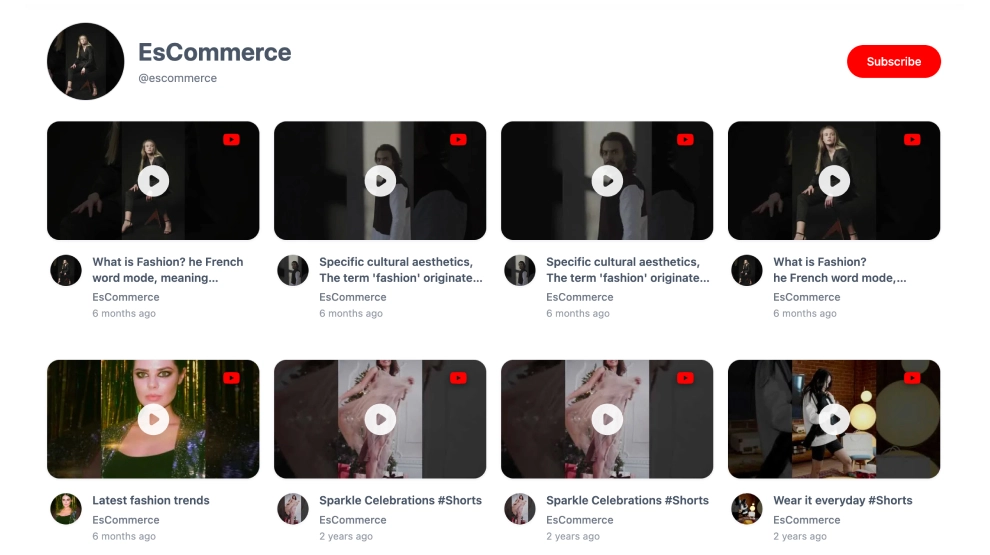
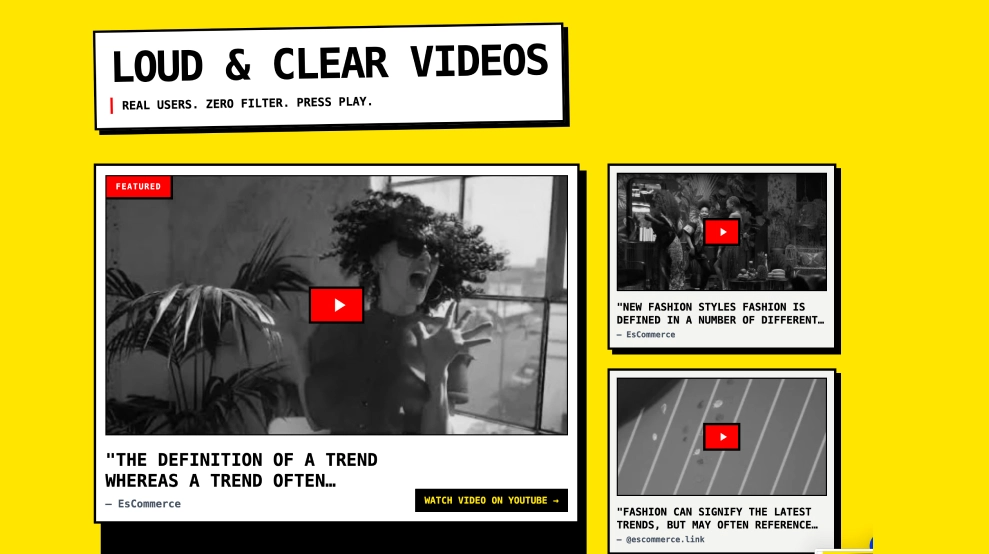
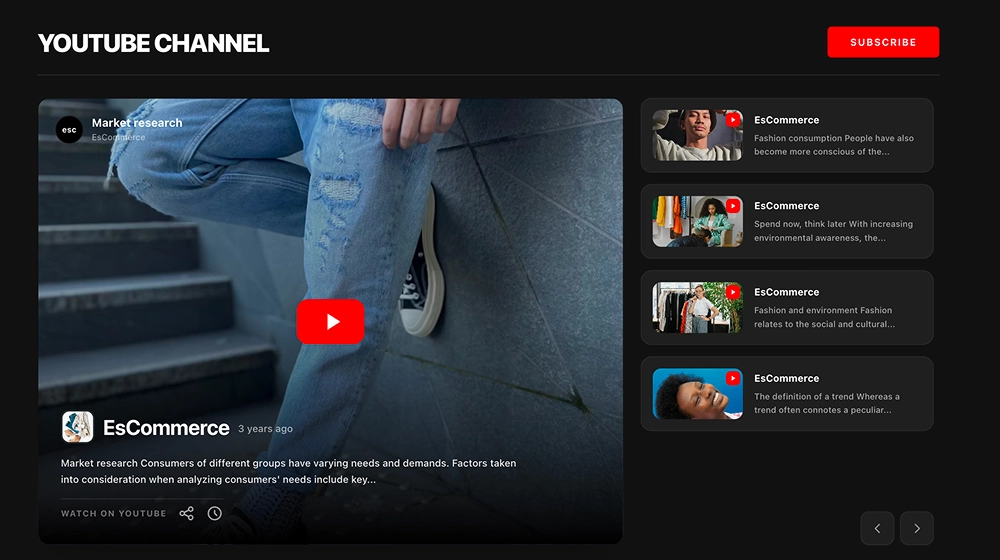
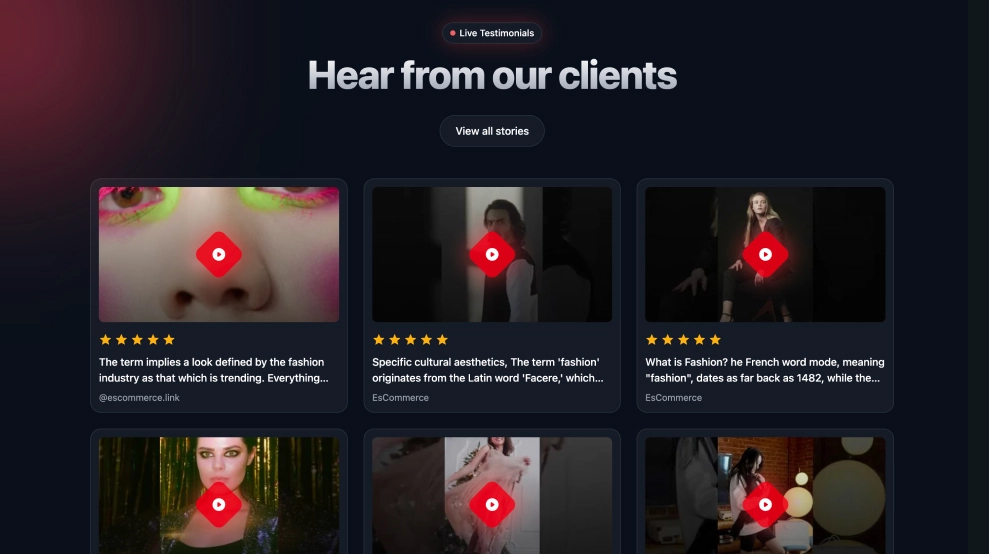
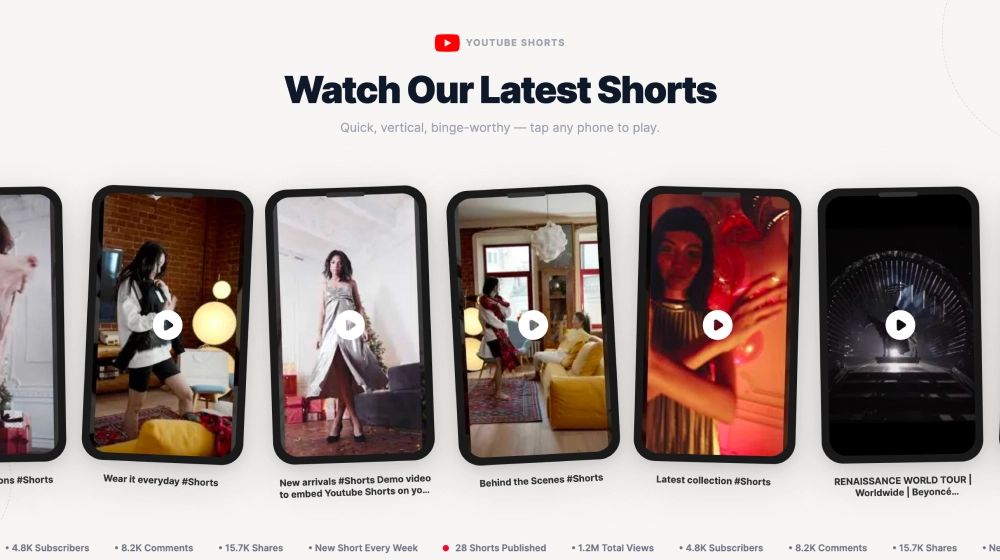
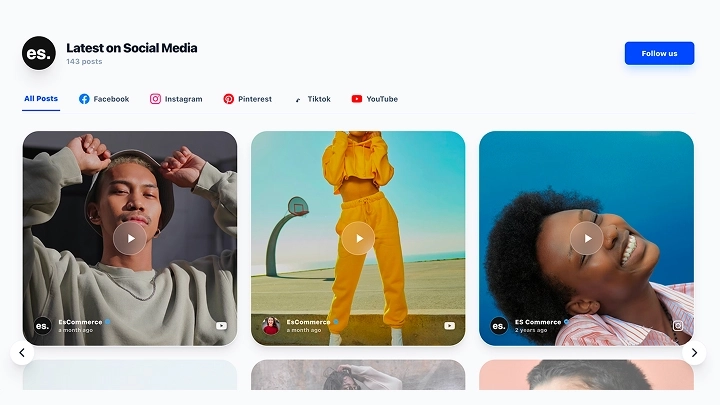
This YouTube feed widget gives your latest videos a cleaner, more design-forward presentation than a standard channel embed. With a bold section header, visible post count, large video thumbnails, centered play buttons, and floating content cards for each upload, it turns your YouTube channel into a polished on-site content section.
What makes it work
- Modern feed layout: The videos are presented in a structured grid that feels more curated than a default YouTube gallery.
- Strong header treatment: The title, post count, and YouTube cue make the section feel current and purposeful.
- Large video previews: Oversized thumbnails help each upload stand out before the visitor even clicks play.
- Floating content cards: Each video includes a layered info card with channel details, timing, and text preview, which adds depth to the layout.
- Clear play-first design: The centered play icons make it obvious that the content is ready to watch.
- Subscribe CTA: The red
Subscribebutton gives visitors a direct next step after browsing. - Mixed content flexibility: The layout works well for Shorts, longer videos, behind-the-scenes clips, and brand storytelling content.
Best fit for
- Creator and brand websites
- SaaS and startup content sections
- Ecommerce sites using video for storytelling
- Homepage media sections
- Businesses that want YouTube content to feel more integrated into the website design
How to embed it
- Connect your YouTube channel in EmbedSocial.
- Choose the Modern YouTube Channel Feed template.
- Customize the section title, post count, visible video details, and subscribe button.
- Set how many videos should appear and how the grid should behave across devices.
- Copy the embed code.
- Paste it into your website, landing page, or CMS and publish.
Show your latest YouTube videos in a feed that feels cleaner, more current, and easier to explore on your website.