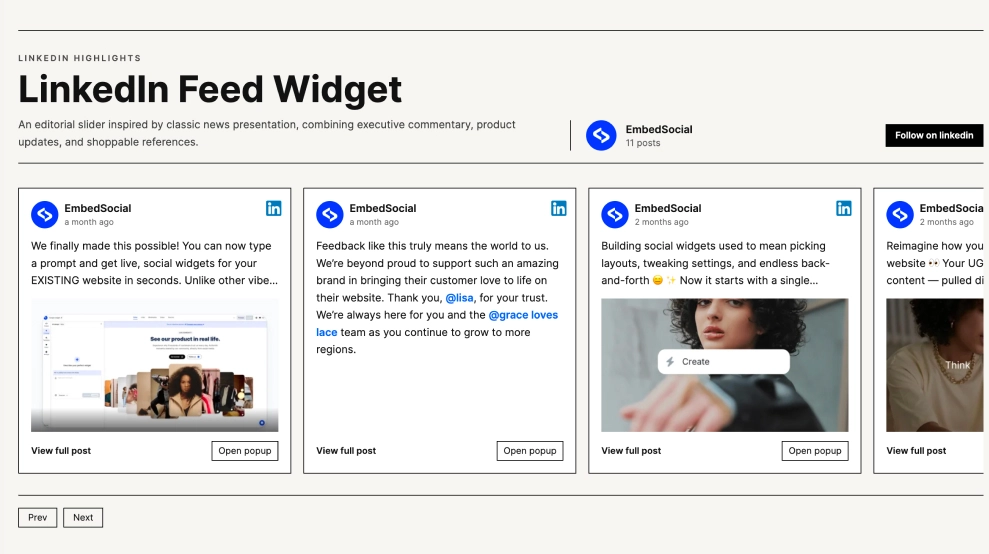
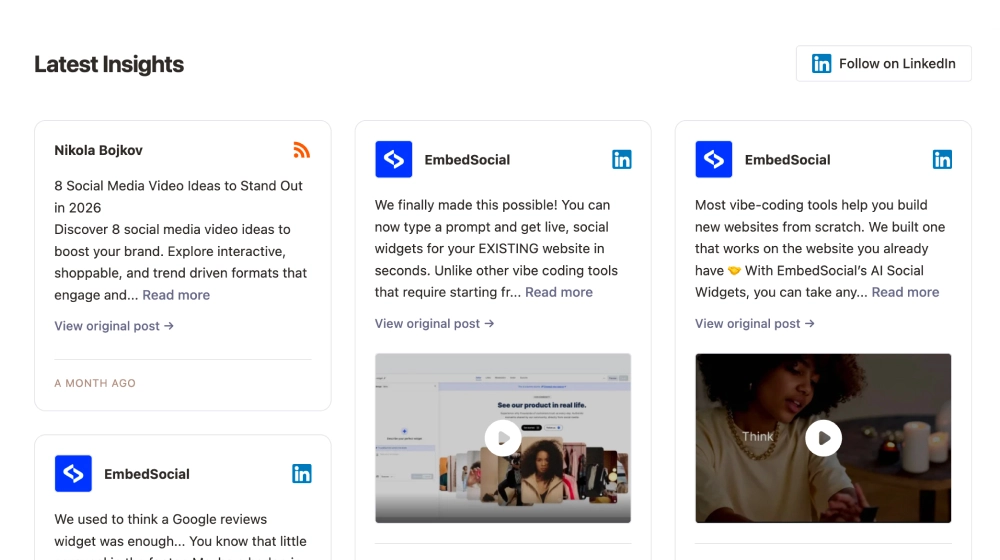
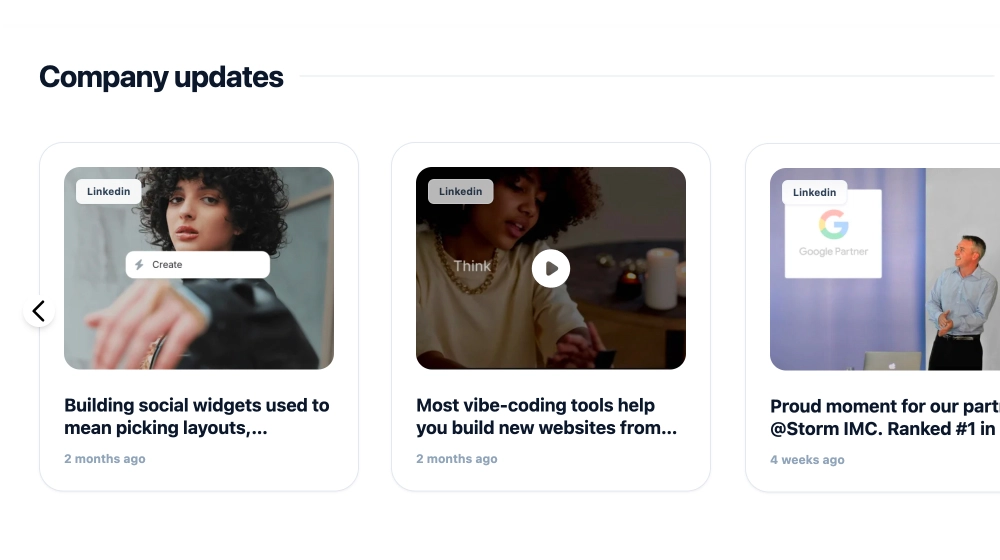
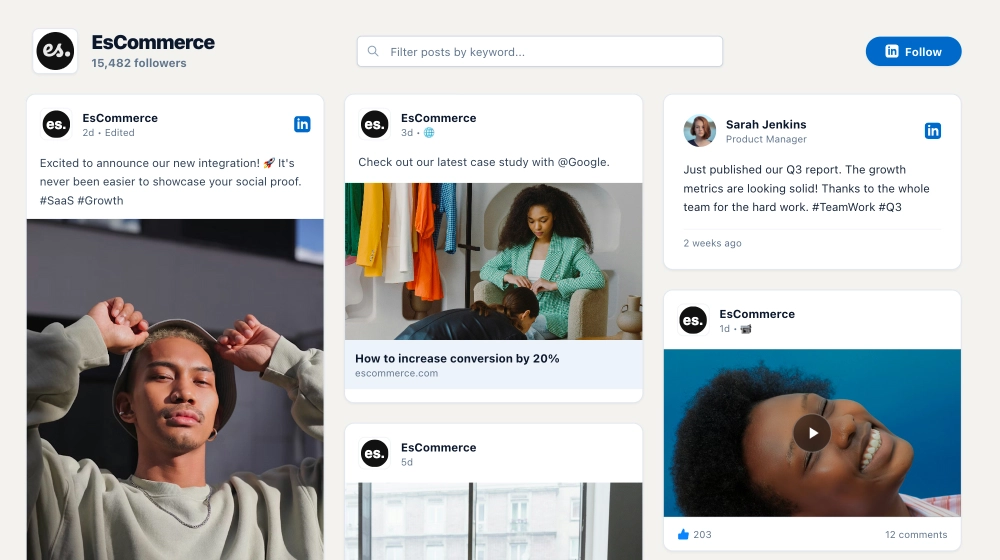
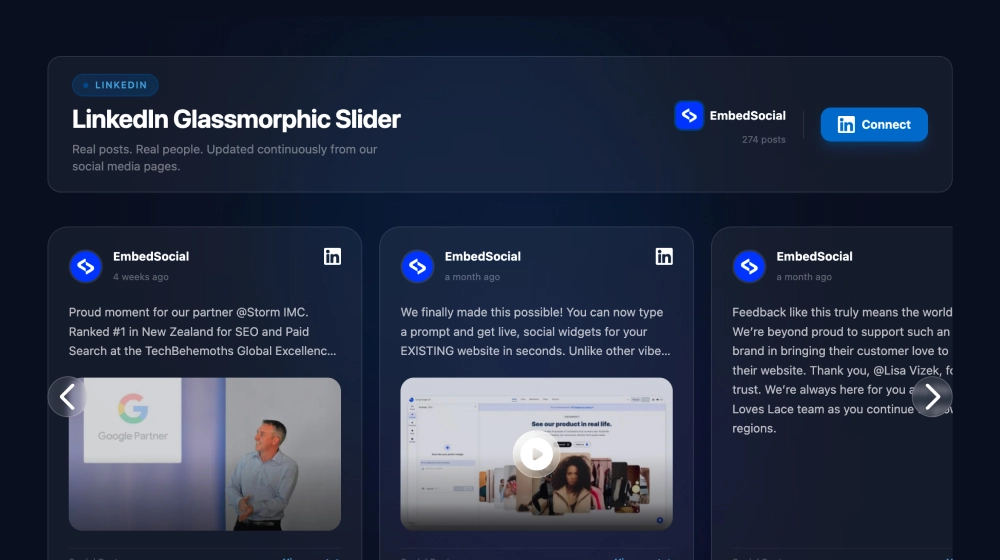
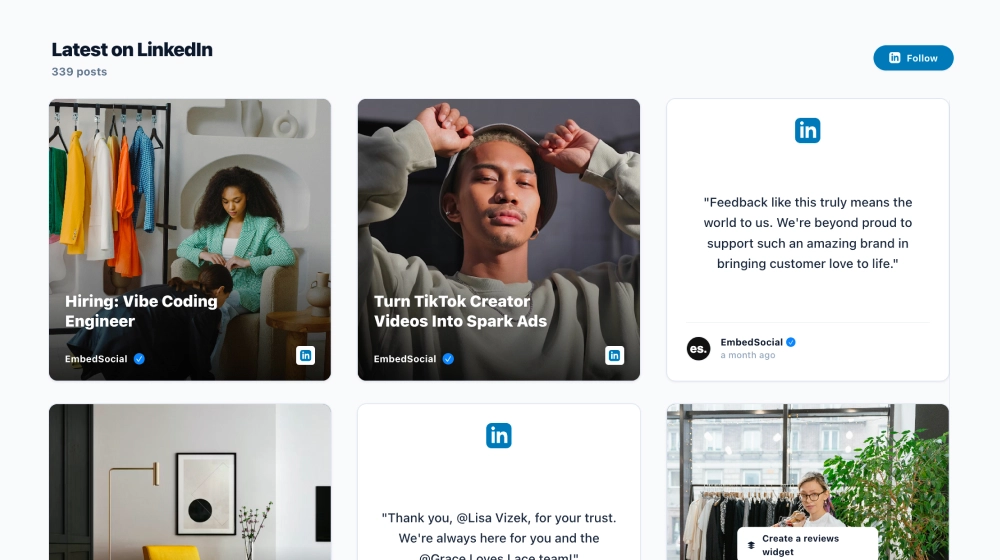
The LinkedIn Newsroom Slider widget turns your LinkedIn updates into an editorial, “press-room” style carousel. Instead of focusing on big visuals, it presents posts as clean article cards, perfect for brands that publish announcements, product updates, and thought leadership and want them to read like a modern newsroom.
Features
-
Editorial card design: Posts appear like mini articles with strong typography and generous spacing
-
Slider layout: Browsable carousel that keeps the section compact while showing multiple updates
-
LinkedIn category label: Clear “LinkedIn” tag at the top of each card for platform context
-
Text-forward previews: Ideal for long-form captions and update-style posts (not just images)
-
Brand attribution & timestamp: Displays source/page identity and “weeks ago” timing for freshness
-
Modern, minimal styling: Clean dividers, subtle shadows, and a premium newsroom feel
-
Responsive navigation: Smooth browsing with arrows on desktop and swipe-friendly behavior on mobile
Use cases
-
Newsroom / Press page: Feature official announcements, awards, partnerships, and releases
-
B2B homepages: Add credibility with a “Latest updates” section that looks like a publication
-
Product launch pages: Highlight rollout posts, changelogs, and release notes from LinkedIn
-
Investor or company updates pages: Present milestones in a professional, report-like format
-
Agency & SaaS sites: Showcase thought leadership in a clean, readable experience
How to embed
-
Connect your LinkedIn company page in EmbedSocial.
-
Pick the Newsroom Slider (LinkedIn) template from the template library.
-
Customize the section title (e.g., “THE NEWSROOM”) and adjust spacing and card styling.
-
Copy the embed code (JavaScript or iFrame).
-
Paste it into your website (WordPress, Webflow, Shopify, Wix, Squarespace, or custom HTML).
-
Publish. Your LinkedIn posts will update automatically as you post new content.
Give your website a polished “press” section. Embed the LinkedIn Newsroom Slider widget and showcase your latest LinkedIn updates in a clean, editorial format.